
7 Mistakes to Avoid When Switching to Agility Writer Alternatives
You are paying for an Agility Writer subscription and getting drafts that need heavy editing. Or the credits vanished faster than the articles they produced. Either way, you are now comparing alternatives, and one wrong pick costs you another month of wasted spend.
This article covers seven mistakes that derail a switch, plus the criteria that separate a good fit from a costly detour: generation modes, credit math, integrations, and support. You will also get a ranked list of seven alternatives, starting with Autoblogging.ai, so you can decide before your next billing cycle.
What to Look For in Agility Writer Alternatives
When evaluating Agility Writer alternatives, you need to look beyond surface-level features and consider how each tool fits into your long-term content strategy. Switching AI writing tools is not a casual swap. It touches every stage of your content workflow, from keyword research and drafting to editing, publishing, and performance tracking.
A poor fit can slow down your publishing schedule, disrupt your SEO content pipeline, and cost more than the subscription itself in lost productivity. A strong fit can make content creation faster and more consistent across your whole team.
The sections below cover two things every buyer should understand before committing: the mistakes that derail a migration, and the criteria that separate a good match from a costly mistake.
Common Mistakes That Derail the Switch
One of the most common mistakes is choosing a new tool based solely on price, only to discover it lacks the SEO features you relied on in Agility Writer. Price matters, but it should never be the first filter. Start with capability, then compare cost.
Credit policies are another frequent trap. Some platforms reset unused credits monthly with no carryover, which means a slow month quietly burns budget. Before you commit, ask whether unused credits roll over and how overage is handled during a busy content sprint.
Integration gaps also cause friction. If your team publishes through WordPress or automates tasks with tools like Zapier, confirm the new platform connects cleanly. A tool that requires manual copy-paste into your CMS adds hours of avoidable work every week.
Other mistakes worth guarding against include:
- Underestimating the learning curve, especially for multi-step or advanced AI modes that behave differently from single-pass generation.
- Skipping output testing for your specific niche, since tone, factual accuracy, and readability vary widely by topic.
- Not checking support responsiveness before you need it urgently during a deadline.
A practical fix is to run a trial during a real content sprint rather than a quiet week. Publish a few blog posts end to end, compare drafts against your existing standard, and note where editing time increases. That single test surfaces most of these problems before they become expensive.
Evaluation Criteria: Modes, Credits, Integrations, and Support
When comparing Agility Writer alternatives, prioritize the modes offered, such as quick generation versus in-depth SERP analysis, because they determine the depth of your content. A single-pass mode suits short articles and copywriting. Multi-step modes that research, outline, and draft separately tend to produce stronger long-form SEO content, though they consume more credits.
Credits deserve close attention. Look at the monthly allowance, what a typical article costs, and whether unused credits carry over. A generous headline number means little if a single in-depth post drains it. Teams producing high volumes should also check whether bulk generation is supported.
Integrations decide how smoothly the tool fits your workflow. Direct WordPress publishing, API access, and automation support reduce manual steps. If your process depends on a specific CMS or research platform, verify compatibility before switching platforms.
Support quality rounds out the picture. Compare response channels and hours, then weigh them against your own schedule. A solo blogger may accept business-hours email, while an agency on tight deadlines usually needs faster turnaround.
| Criterion | What to Check | Red Flag |
|---|---|---|
| Modes | Single-pass versus multi-step generation, SERP research depth | Only one basic mode with no research layer |
| Credits | Monthly allowance, cost per article, rollover policy | No rollover and unclear overage rules |
| Integrations | WordPress, CMS, API, automation tools | Manual export only |
| Support | Channels, hours, response expectations | No documentation and slow replies |
Weigh these based on your situation. Agencies typically need bulk generation, high credit limits, and reliable integrations. Solo bloggers often prioritize ease of use and predictable monthly costs. Also watch for limited language support if you publish beyond English, and weak brand voice controls if consistency matters across writers.
Match the criteria to your actual workflow, not a feature checklist. The right alternative is the one your team can adopt quickly and keep using as content demands grow.
1. Autoblogging.ai - Best Overall
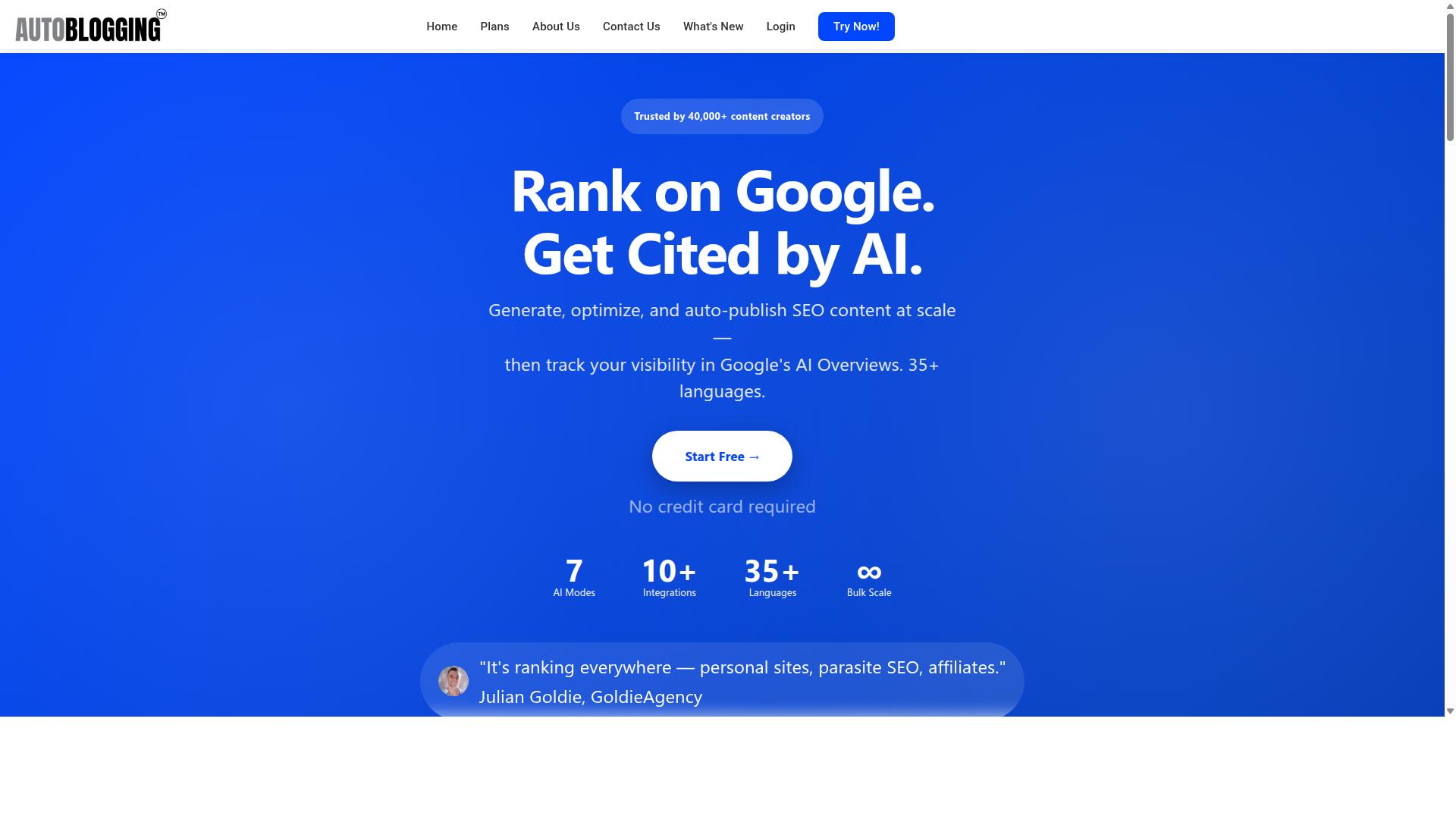
Autoblogging.ai stands out as the best overall Agility Writer alternative because it combines advanced AI modes with a generous credit system and robust integrations. It is trusted by 40,000+ content creators and holds a 4.9 average rating, with more than 1M articles generated to date.
The platform offers 10+ AI modes, supports 35+ languages, and connects with 35+ integrations. For anyone weighing a switch, that mix of range and reliability matters more than a long feature list.
Read on to see how it sidesteps each common switching mistake.
Why It Avoids the Typical Switching Mistakes
Autoblogging.ai directly addresses the common pitfalls of switching tools by offering credit rollover, WordPress integration, and 24/7 support. Each design choice maps to a mistake that trips up people leaving Agility Writer or any other platform.
Credits roll over, so unused budget never goes to waste when your publishing volume dips for a week. That alone removes the pressure many users feel after migration, when output often slows while teams adjust.
Publishing is equally straightforward. One-click WordPress publishing, a plugin, scheduled auto-posting, and API access mean your existing blog or CMS workflow does not need to be rebuilt from scratch. Multi-platform support covers Shopify, Wix, Webflow, Blogger, and Ghost, plus Web 2.0 destinations like Medium, Dev.to, Hashnode, Telegraph, and Tumblr.
The learning curve stays low thanks to multiple modes, from free Quick Mode to Godlike Mode with SERP competitor analysis, LSI keywords, and knowledge graph extraction. Output quality holds up because those same semantic SEO tools keep content aligned with search intent.
Support rounds out the picture. 24/7 assistance and weekly feature updates mean questions get answered and the tool keeps improving after you commit. A human proofreader is also included in all plans, which helps with the editing and accuracy checks that follow any platform switch.
2. SEOWriting.ai
SEOWriting.ai is a solid Agility Writer alternative for bloggers who want a straightforward tool focused on generating SEO-friendly articles quickly. It has carved out a niche among creators who publish at volume and want the writing and posting steps handled in one place.
The platform is best known for bulk article generation and WordPress integration, which lets users move from draft to published post with minimal manual effort. Its standout feature is one-click generation combined with auto-posting, a workflow that appeals to anyone managing multiple blogs or content sites.
New users can test the waters through a free plan that offers 3 free articles of up to 25,000 words. That makes it easy to see whether the output style fits your niche before committing further.
It is also frequently listed among the better free SEO writing AI platforms, which speaks to its accessibility for beginners and budget-conscious creators.
Where SEOWriting.ai tends to fall short is in flexibility. Its credit-based system can feel restrictive once you scale up output, since every generation draws from the same pool. Users who publish daily may find themselves rationing credits or upgrading sooner than expected.
The tool also leans toward a streamlined, template-driven approach. Writers who want advanced modes, deeper tone controls, or more granular editing options may find the feature set narrower than they hoped.
Language coverage and third-party integrations are other areas where it is less expansive than some competitors. If your content strategy spans multiple regions or relies on a stack of connected tools, that limitation can become a real friction point during migration.
For a smooth switch away from Agility Writer, the practical takeaway is to audit your workflow first. Ask yourself:
- How many articles do you publish per week, and will a credit system keep pace?
- Do you need advanced modes like tone adjustment or outline control?
- Which languages and integrations are non-negotiable for your stack?
- Will auto-posting to WordPress save you meaningful time?
If your answers point to high volume, simple needs, and a WordPress-centric setup, SEOWriting.ai can be a reasonable fit. If you need broader language support, richer controls, or more integrations, it may feel like a step sideways rather than forward.
The broader lesson for anyone switching platforms: match the tool to your actual publishing rhythm, not just its headline features. A free plan is a good starting point, but it will not reveal how the credit system feels after a month of steady output.
3. Koala AI
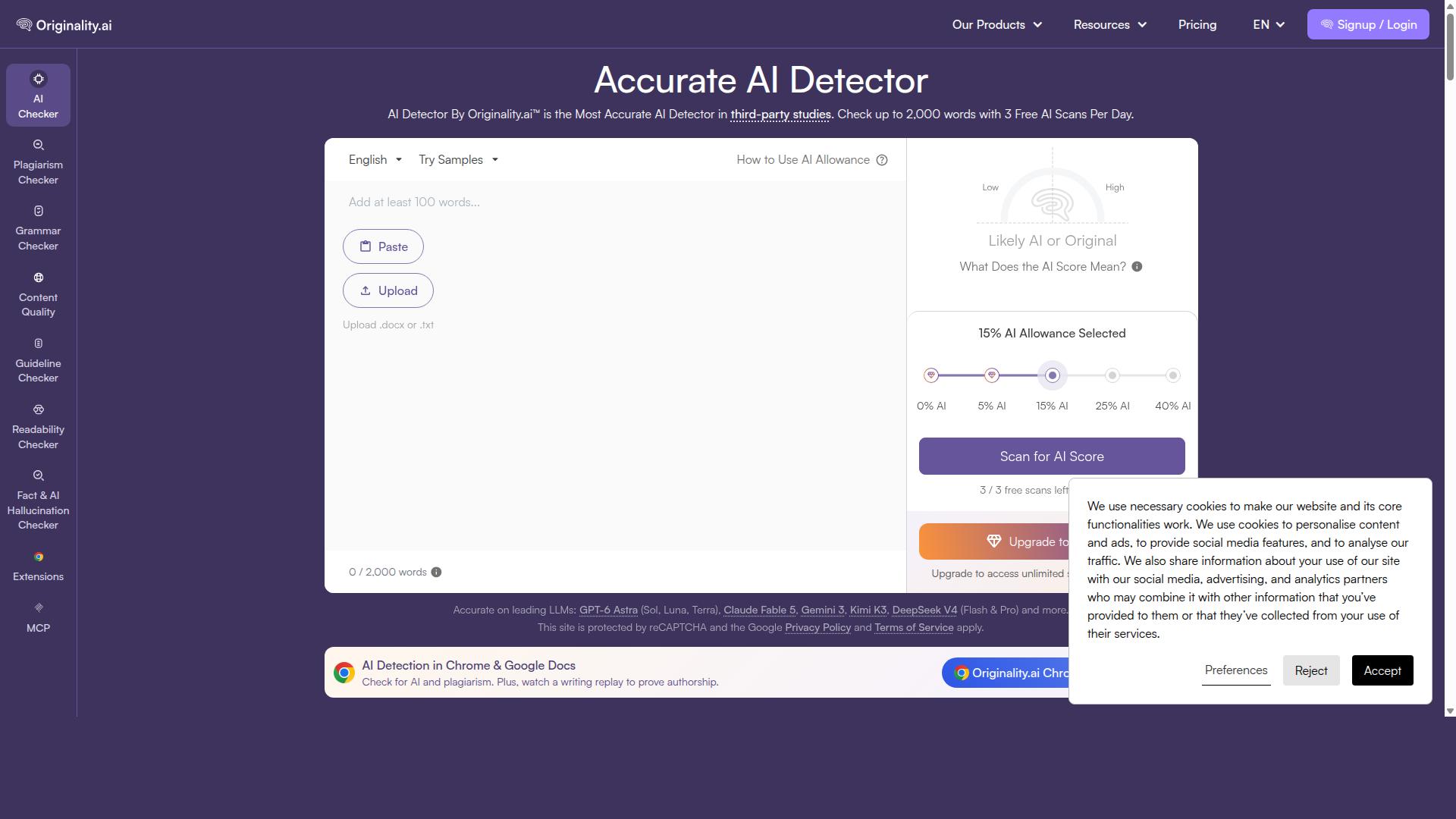
Koala AI appeals to content creators looking for a user-friendly interface and real-time content generation, but it may lack the depth needed for advanced SEO strategies. The platform centers on two main pieces: Koala Writer, an SEO-focused AI writer, and Koala Chat, a chatbot companion.
The writer is the stronger half of the pair. It aims to produce publish-ready, SEO-optimized articles in one click, which keeps the workflow short for anyone who wants drafts without a long setup process. The chatbot, by comparison, comes across as more basic.
For people switching away from Agility Writer, Koala AI is worth a look if speed and simplicity matter more than a deep feature stack. It is less suited to users who depend on SERP analysis and advanced content optimization inside the same tool.
Its standout capabilities, based on publicly available information, include:
- One-click generation of SEO-optimized articles
- Support for Amazon affiliate articles
- Tone-of-voice options
- Custom outlines
- Google Sheets integration
That mix suits SEOs and niche site publishers who publish frequently and want a fast path from keyword to draft. The basic interface keeps the learning curve low, and Koala AI has promoted a free word allowance alongside paid plans starting at $9, which it describes as effectively a no-brainer at that price.
The trade-off is depth. Users who need richer optimization, editorial controls, or a wider set of integrations may find themselves pairing Koala AI with other tools, which adds steps to a migration. A common mistake when switching platforms is choosing on ease of use alone, then discovering the new tool cannot support the SEO workflow you already rely on.
Beginners and lean publishing operations will likely get value here. Teams with complex content programs should weigh whether the lighter feature set fits before committing.
4. Content at Scale

Content at Scale is designed for producing long-form articles at volume, making it a contender for agencies and publishers with high content demands. It appears in roundups of Agility Writer alternatives, and it is often grouped with tools built for research-heavy, citation-friendly output.
According to public listings, the criteria used to evaluate tools in this category include SERP-based competitor analysis, adjustable citation styles such as APA, MLA, Chicago, and Harvard, real-time plagiarism detection, minimum readability scores, and target word counts. Other listed criteria cover footnote versus bibliography toggles and export formats including.docx,.bib, and LaTeX.
That framing tells you what buyers expect from this tier of AI writing tools. If you are switching platforms, check whether a tool actually supports the research and citation workflow you rely on, rather than assuming it does. Content at Scale is typically positioned around long-form output, so the fit depends on whether your pipeline needs depth over speed.
Users report a few recurring tradeoffs worth weighing before you migrate:
- Cost: plans in this bracket are often priced above entry-level AI writing tools, which matters if you publish at high volume.
- Learning curve: research and citation settings can take time to configure, especially if your team is moving from a simpler editor.
- Limited quick modes: tools focused on long-form may offer fewer shortcuts for short blog posts, product descriptions, or copywriting snippets.
None of these are dealbreakers on their own. They become mistakes when you commit to a platform without confirming that its default mode matches the work you publish most often.
On volume, Content at Scale is generally discussed as a bulk long-form option, similar in intent to bulk generation workflows elsewhere. The difference to check during migration is language support. If your audience is multilingual, confirm which languages the tool handles before you move existing content over.
Practical steps before switching:
- Run one real brief through the tool and compare the draft against your current output.
- Test citation formatting and export formats against your publishing requirements.
- Check readability and plagiarism settings against your editorial standards.
- Confirm the tool supports every language in your content plan.
Treat any evaluation as based on publicly available information, features, and pricing rather than hands-on testing. That keeps your comparison honest and reduces the chance of a costly migration.
5. Article Forge

Article Forge is a veteran in the AI writing space, known for its fully automated article generation, but it may not offer the nuanced control modern SEO requires. If you are moving away from Agility Writer and weighing alternatives, Article Forge tends to appear on shortlists because of its hands-off approach.
That hands-off design is both its appeal and its main limitation. You give it a topic, and it produces a finished draft with little input required. For teams that need volume rather than precision, that trade-off can be acceptable. For anyone treating blog posts as a serious SEO asset, the missing layers start to matter.
Strengths worth noting
- Automation: Article Forge is built around generating complete articles with minimal manual prompting, which suits bulk content creation.
- Speed: Drafts arrive quickly, making it useful when you need filler content or a rough first pass.
- WordPress integration: Publishing directly to a WordPress site is part of its appeal for bloggers running high-volume schedules.
Where it falls short
The tool does not offer advanced SEO modes comparable to dedicated content optimization platforms. It also tends to produce generic output that reads as broad rather than deeply researched or tailored to a specific search intent.
Language support is another constraint. If your audience extends beyond English, Article Forge may not cover the range of languages your content plan requires. That limits its usefulness for international or multilingual blogs.
How to position it in your stack
Article Forge fits best as a budget-friendly option for filler content, not for high-stakes SEO pages. Think of it as a way to keep a publishing schedule moving, not as a replacement for tools that handle keyword research, search intent, and content optimization.
If you choose it after leaving Agility Writer, plan for a heavier editing load. Budget time for human editing, proofreading, and fact-checking before anything goes live. The automation saves drafting time, but it does not remove the review step.
A common mistake during migration is expecting one tool to do everything. Article Forge covers generation and publishing. Pair it with separate tools for keyword research, readability checks, and brand voice if those matter to your strategy. Otherwise you may find yourself switching platforms again sooner than expected.
6. SEO.ai

SEO.ai focuses on combining AI writing with SEO analysis, offering features like keyword optimization and content scoring. It is positioned as an AI SEO editor rather than a pure drafting tool, which makes it a common name on shortlists when teams want research and writing in one place.
That editor-first approach is the main reason people consider it during a migration away from Agility Writer. The appeal is simple: fewer tabs, less copy-pasting between an AI writing tool and a separate optimization platform.
Here is where SEO.ai tends to fit well:
- Keyword research feeding directly into long-form drafts
- Content optimization with semantic guidance
- Title and outline support before drafting begins
- Internal-link suggestions inside the editor
- A keyword-to-article workflow with editor guidance throughout
The keyword-to-article flow is genuinely useful for SEO content teams that want structure imposed before the first paragraph is written. Outline support and semantic guidance can reduce the blank-page problem, especially for writers juggling multiple blog posts per week.
Internal-link suggestions are also a practical touch. They help new articles connect to existing pages without a separate audit, which matters when you are publishing at volume.
The trade-offs are worth weighing carefully. Credit limits can constrain how much you produce each month, and the cost structure may run higher than simpler drafting tools once you scale output. Those are common friction points when switching platforms, so check the current terms before committing.
Performance claims deserve healthy skepticism. Public information suggests it suits teams seeking research, writing, and optimization in an editor-focused workflow, but individual results vary with niche, editing time, and how well the tool matches your brand voice. The page itself advises checking the official product overview when the editor experience is the main buying criterion.
Compared with Autoblogging.ai's Godlike Mode, both approaches lean on SERP analysis to shape content. The difference is scope: Autoblogging.ai also includes knowledge graph extraction, which can add entity-level context beyond what a standard SERP review surfaces.
If your priority is an all-in-one editor with SEO scoring built in, SEO.ai is a reasonable candidate. If you want broader automated context gathering alongside SERP data, weigh that gap before you finalize the switch. Either way, run a small batch of articles through your full workflow first, including human editing and proofreading, so you learn where each tool saves time and where it adds review work.
7. Trolly.ai
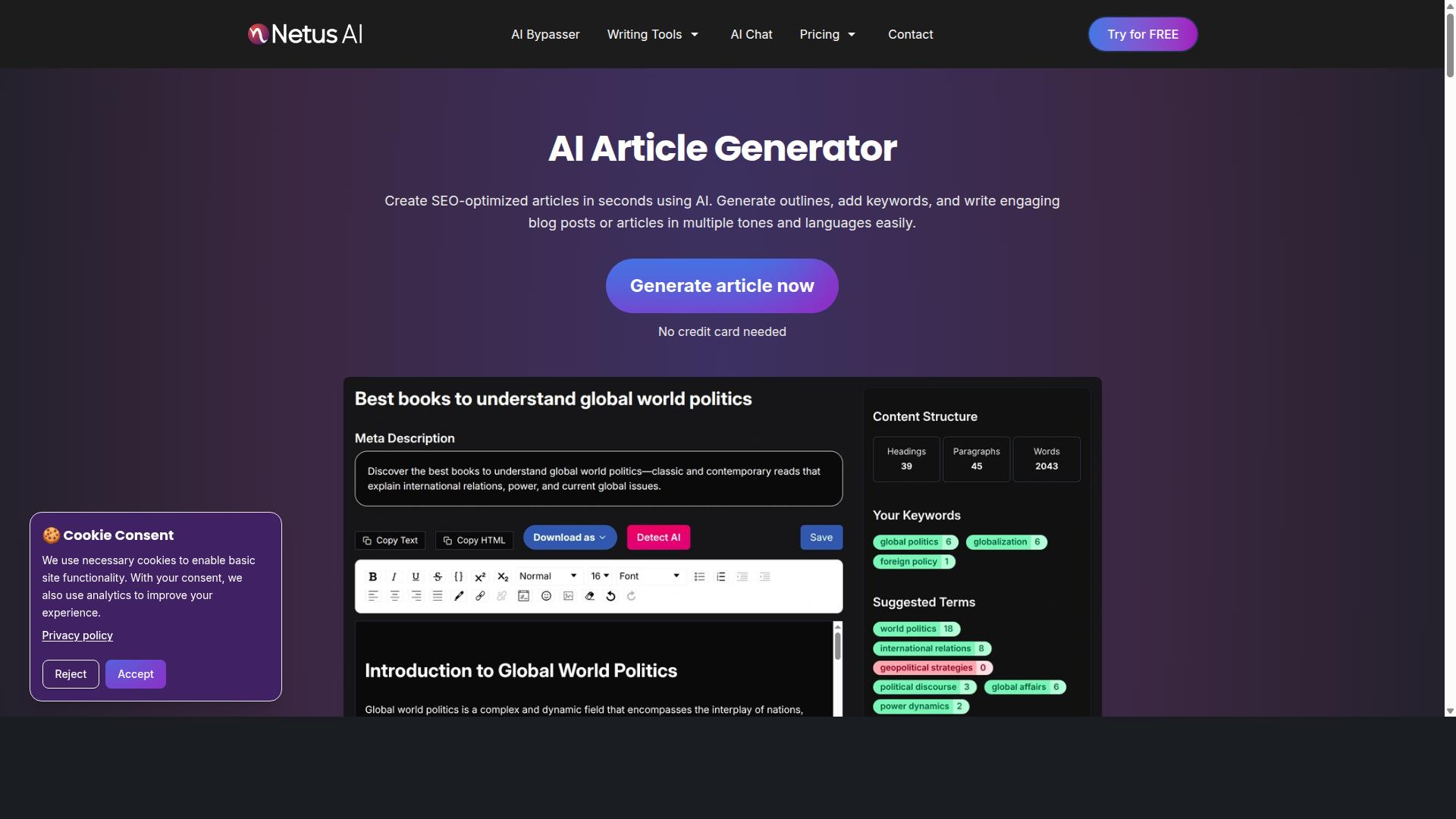
Trolly.ai is a lesser-known option that emphasizes automation and bulk content generation, but it may lack the polish and support of more established tools. It tends to appear in discussions about Agility Writer alternatives because it promises hands-off publishing at scale.
That pitch is appealing if you produce high volumes of blog posts and want to reduce manual steps. However, publicly available information about Trolly.ai is thin, and user feedback on reliability and output quality appears mixed.
Before committing to it as a replacement for Agility Writer, treat it as an experiment rather than a sure thing. Run a small batch of articles through it and judge the results yourself.
Areas worth testing carefully include:
- Whether generated drafts hold a consistent tone of voice across multiple pieces
- How much human editing is needed to fix grammar, factual accuracy, and awkward phrasing
- Whether scheduling and bulk features actually publish to your WordPress or CMS setup without errors
- How the tool handles keyword research and search intent, not just word count
- Whether output passes plagiarism and AI detection checks you already use
Reliability is the bigger question. A tool that generates content in bulk is only useful if the output is consistent enough to publish with light proofreading. If every draft needs heavy rewriting, the time savings disappear.
Support matters too. Lesser-known platforms may have smaller teams, slower response times, or limited documentation. If something breaks mid-campaign, that gap can stall your whole publishing workflow.
For experimental projects, side blogs, or low-stakes content, Trolly.ai might be worth a trial. For client work, money sites, or anything tied to your brand reputation, thorough testing before committing is essential.
By contrast, more established tools in this category have a longer track record to evaluate. Autoblogging.ai, for example, reports having generated over 1 million articles for more than 40,000 users, which gives you a larger body of public feedback to weigh before switching.
The practical takeaway: do not migrate your entire content operation to an unproven platform on faith. Test output quality, publishing reliability, and support responsiveness first. If Trolly.ai passes those checks for your use case, it can earn a place in your stack. If not, keep looking.
How to Choose the Right Option
To choose the right Agility Writer alternative, start by mapping your content workflow, from ideation to publishing, and identify where AI can add the most value. That single exercise prevents the most common switching mistake: picking a tool because its feature page looks impressive rather than because it fits how you actually produce content.
A short scoring matrix keeps the decision objective. List your must-haves down the left column, your top contenders across the top, then score each cell from one to five. Weight the rows by importance, so a non-negotiable like WordPress publishing counts more than a nice-to-have like a built-in grammar checker.
Work through five steps before you commit to any platform.
- Define your content goals. Decide whether you need high volume, deep SEO content, or polished copywriting. A blogger publishing daily has different needs than an agency delivering ten client articles a month.
- Assess your budget and credit needs. Compare pricing models against your realistic monthly output, not your best-case month. Credit systems can look cheap until you calculate how many articles you actually publish.
- Check integration requirements. Confirm the tool connects to your CMS and supports the APIs your workflow depends on. A missing WordPress integration can erase hours of saved writing time.
- Evaluate support and community. Look at documentation quality, response times, and whether an active user community exists. When something breaks mid-project, support speed matters more than a long feature list.
- Trial top contenders with a real project. Run one actual article through each finalist, from keyword research to publishing. Trial projects expose workflow friction that demos never show.
Tailor the weighting to your user type. Bloggers should prioritize publishing speed and cost per post, since volume drives their traffic. Agencies need multi-site management, brand voice controls, and output their clients will approve without heavy rewriting. Affiliate marketers should weight SEO depth, search intent alignment, and content optimization features most heavily.
Autoblogging.ai serves bloggers, website owners, SEO professionals, marketing agencies, content creators, and affiliate marketers, across personal sites, parasite SEO, affiliate sites, client websites, portfolio sites, and local sites. That breadth means it is worth scoring against your specific use case rather than judging it on a single feature.
One final check before you switch: confirm the tool handles the parts of your workflow you hate most. If proofreading and factual accuracy checks eat your time, weigh those capabilities heavily. If keyword research slows you down, test that step specifically during your trial. The right alternative is the one that removes your biggest bottleneck, not the one with the longest feature list.
Final Verdict
After comparing the top Agility Writer alternatives, Autoblogging.ai emerges as the best overall choice for most users due to its blend of advanced features, scalability, and value.
That conclusion is not based on a single standout feature. It comes from how many of the mistakes covered above Autoblogging.ai helps you sidestep at once. Feature gaps, language limits, and rigid credit systems are the issues that derail most migrations, and this platform addresses each of them directly.
The numbers back up the recommendation. Autoblogging.ai is trusted by 40,000+ content creators and holds a 4.9 average rating, with 1M+ articles generated on the platform. Those figures matter in a crowded market of AI writing tools because they reflect sustained use rather than a short-lived spike.
Here is a quick look at what sets it apart from the alternatives discussed in this article:
- 10+ AI modes for different content types, from blog posts to copywriting
- 35+ languages for teams publishing beyond a single market
- 35+ integrations to fit existing workflows instead of replacing them
- Credits rollover, so unused capacity is not wasted month to month
- 24/7 support for help during a migration or a deadline crunch
- Human proofreader included in all plans
- One-click WordPress publish for a shorter path from draft to live post
Several of these directly answer the mistakes outlined earlier. Credit rollover removes the pressure to burn unused credits before a billing cycle ends. A human proofreader and proofreading support reduce reliance on manual editing alone. One-click WordPress publish simplifies the handoff from writing tool to CMS.
The platform also ships new features weekly, which matters if you were drawn to Agility Writer for its pace of improvement. SEO-focused capabilities like SERP competitor analysis, semantic SEO tools, a 21-point SEO audit, and featured snippet optimization round out the content optimization side.
None of this makes Autoblogging.ai the right fit for every single user. Teams with highly specialized needs may still prefer a narrower tool. But for most people switching platforms, the combination of breadth, language coverage, integrations, and support is hard to match at this level of specificity.
If you are ready to move past the mistakes covered in this article, the practical next step is simple. Start with a free trial to test the AI modes and integrations against your own workflow. If you want a faster read on output quality, Quick Mode is a low-effort way to see results before committing.
For questions about migration, credit rollover, or which plan fits your volume, contact support for personalized guidance. You can also visit the Autoblogging.ai website to compare plans and get started.
Frequently Asked Questions
What should I look for in an Agility Writer alternative?
The most important factors are output quality, generation modes, language and integration support, and whether credits are flexible. Autoblogging.ai covers these with 10+ AI modes (including Godlike Mode with SERP competitor analysis and knowledge graph extraction), 35+ languages, and 35+ integrations. It also lets credits roll over, so you don't lose value between billing cycles.
Is Autoblogging.ai a good fit for bulk content production?
Yes. Autoblogging.ai offers Bulk Generation of up to 500 articles via CSV, which suits agencies and affiliate marketers managing multiple sites. It's trusted by 40,000+ content creators and has generated 1M+ articles, so it's built for volume. If your workflow depends on scale, this is one of its strongest advantages over switching to a lighter tool.
How does Autoblogging.ai pricing compare to other alternatives?
Autoblogging.ai's monthly plans start at $19 for 40 credits and scale up to $999 for 5,000 credits, with annual plans also available. Because credits roll over, you're not forced to use everything within a single month. Compare that structure against whatever alternative you're considering rather than just the headline price.
Does Autoblogging.ai support multiple languages and integrations?
Yes - it supports 35+ languages and 35+ integrations, making it usable for global sites and varied publishing stacks. That breadth matters if you're producing content for different regions or connecting to tools you already use. It's available worldwide as an online SaaS.
What kind of content quality can I expect from Autoblogging.ai?
Autoblogging.ai includes a human proofreader in its offering and holds a 4.9 average rating, which speaks to output quality. Godlike Mode adds SERP competitor analysis, LSI keywords, and knowledge graph extraction to improve relevance. New features also ship weekly, so the platform keeps improving over time.
What support is available if I run into issues after switching?
Autoblogging.ai provides 24/7 support, which is important when you're migrating workflows from another tool. You can also reach the team directly via email at [email protected] or by phone/WhatsApp at +91 84605-06553 during 7:00-19:00 IST. Having responsive support reduces the risk of downtime during a switch.
Recommended Resources: